
Browse by Category
Fiction
- Action & Adventure
- African American
- Anthologies
- Children's Fiction
- Classics
- Comics & Graphic Novels
- Coming of Age
- Contemporary
- Cultural & Regional
- Drama
- Erotica
- Fantasy
- General
- Historical Fiction
- Horror
- Humor & Satire
- Literary Fiction
- Mystery, Thriller & Suspense
- Poetry
- Religious & Inspirational
- Romance
- Science Fiction
- Short Stories
- War & Military
- Westerns
- Women's Fiction
- Young Adult
Non-Fiction
- Antiques & Collectibles
- Arts & Photography
- Biographies & Memoirs
- Business & Money
- Children's Non-Fiction
-
Computers & Technology
- Artificial Intelligence
- Computer Science
- Cybersecurity & Cryptography
- Data Science & Analytics
- Databases & Big Data
- Game Development & Design
- General
- Hardware & DIY
- Mobile App Development
- Networking & Cloud Computing
- Operating Systems
- Programming
- Robotics
- Software
- Software Engineering
- User Experience (UX) & Design
- Web Development & Design
- Cooking, Food & Wine
- Crafts, Hobbies & Home
- Education & Teaching
- Engineering
- General
- Health, Fitness & Dieting
-
History
- African History
- African History - North Africa
- African History - Sub-Saharan Africa
- American History
- American History - 20th Century
- American History - Civil War
- American History - Colonial Period
- Ancient History
- Asian History
- Asian History - China
- Asian History - India
- Asian History - Japan
- Asian History - Southeast Asia
- European History
- European History - Ancient Greece
- European History - Ancient Rome
- European History - Medieval
- European History - Modern
- European History - Renaissance
- General
- Middle Eastern History
- Military History
- Military History - Aviation
- Military History - Naval
- Social & Cultural History
- World History
- Humor & Entertainment
- Industrial Technology
- Language Learning
- Law
- LGBTQ+ Non-Fiction
- Literary Criticism
- Medical Books
- Parenting & Relationships
- Philosophy
- Politics & Social Sciences
- Reference
- Religion & Spirituality
-
Science & Math
- Agricultural Sciences
- Astronomy & Space Science
- Behavioral Sciences
- Biological Sciences
- Botany & Plant Science
- Chemistry
- Earth Sciences
- Engineering - Chemical
- Engineering - Civil
- Engineering - Electrical
- Engineering - Mechanical
- Environment
- General
- Geology
- Mathematics
- Nature & Ecology
- Oceanography
- Paleontology
- Physics
- Statistics
- Self-Help
- Sports & Outdoors
- Study Aids
- Sustainability & Green Living
- Textbooks
- Transportation
- Travel
- True Crime
- Urban Planning & Development
- Veterinary Medicine
- Writing & Publishing
Jump to Section
MixCache.com Total Access
Unlimited reading and audiobooks for every book published by MixCache.com.
Included titles carry the MTA badge.
Learn more →
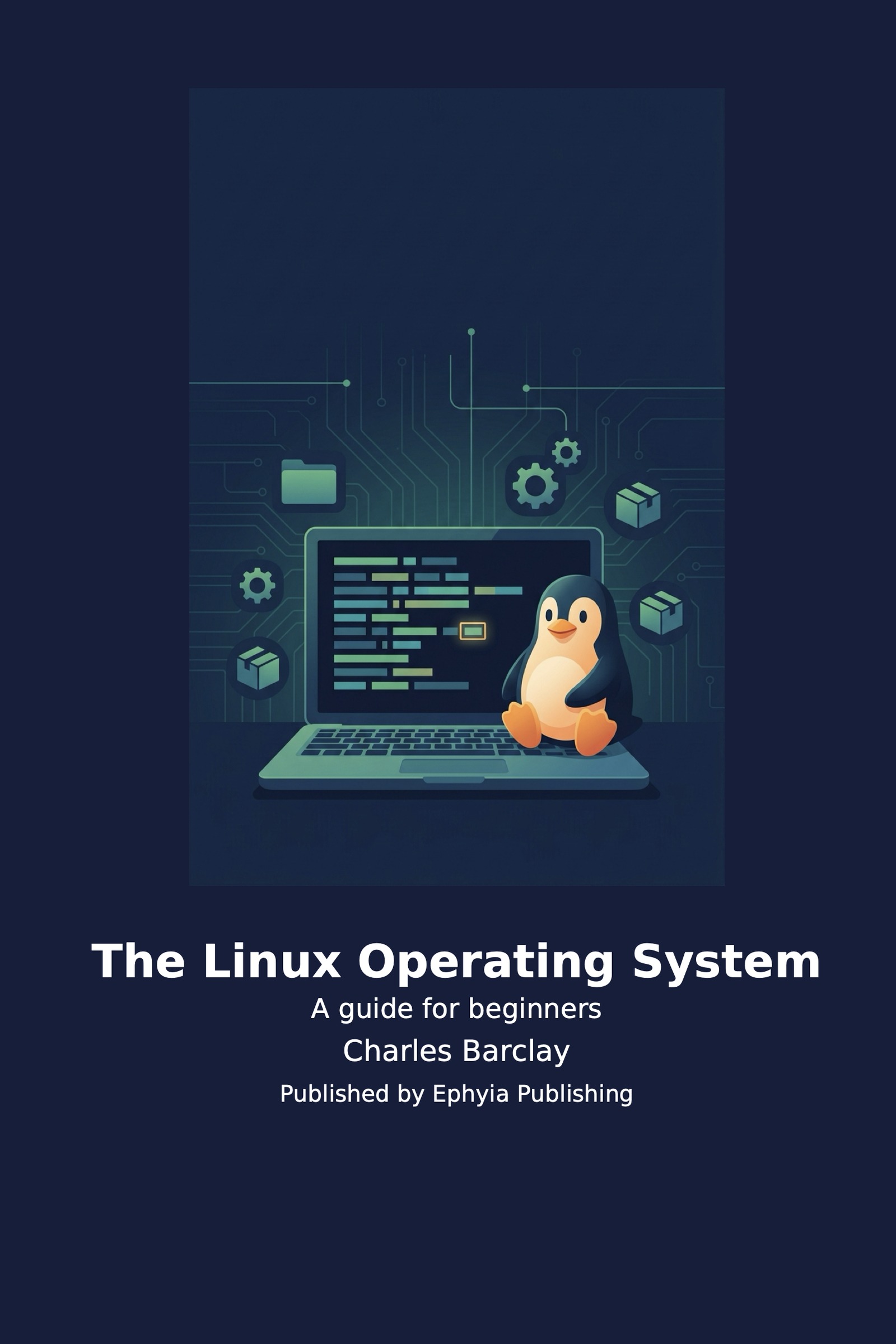
The Linux Operating System
A guide for beginners
About this book:
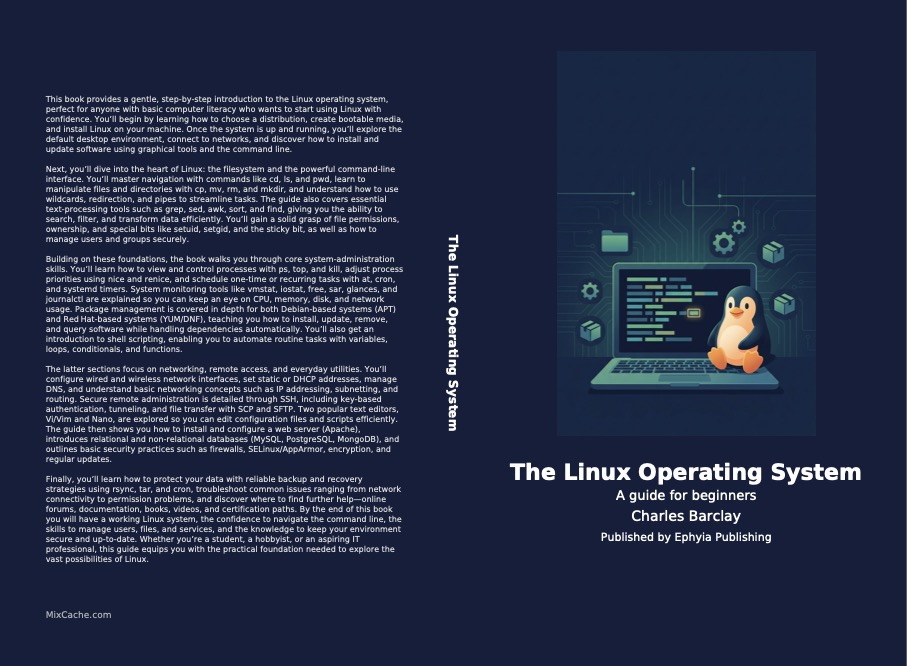
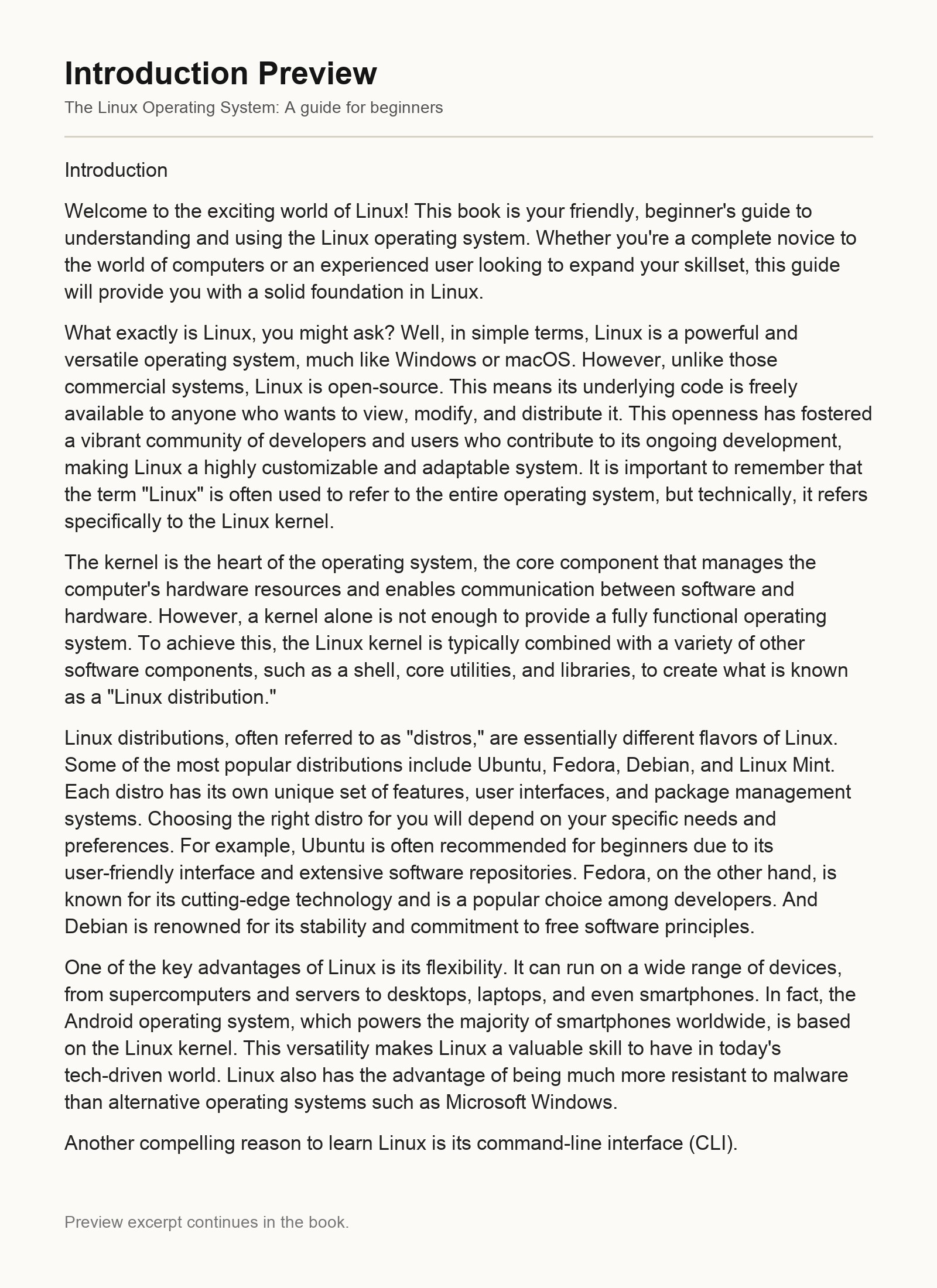
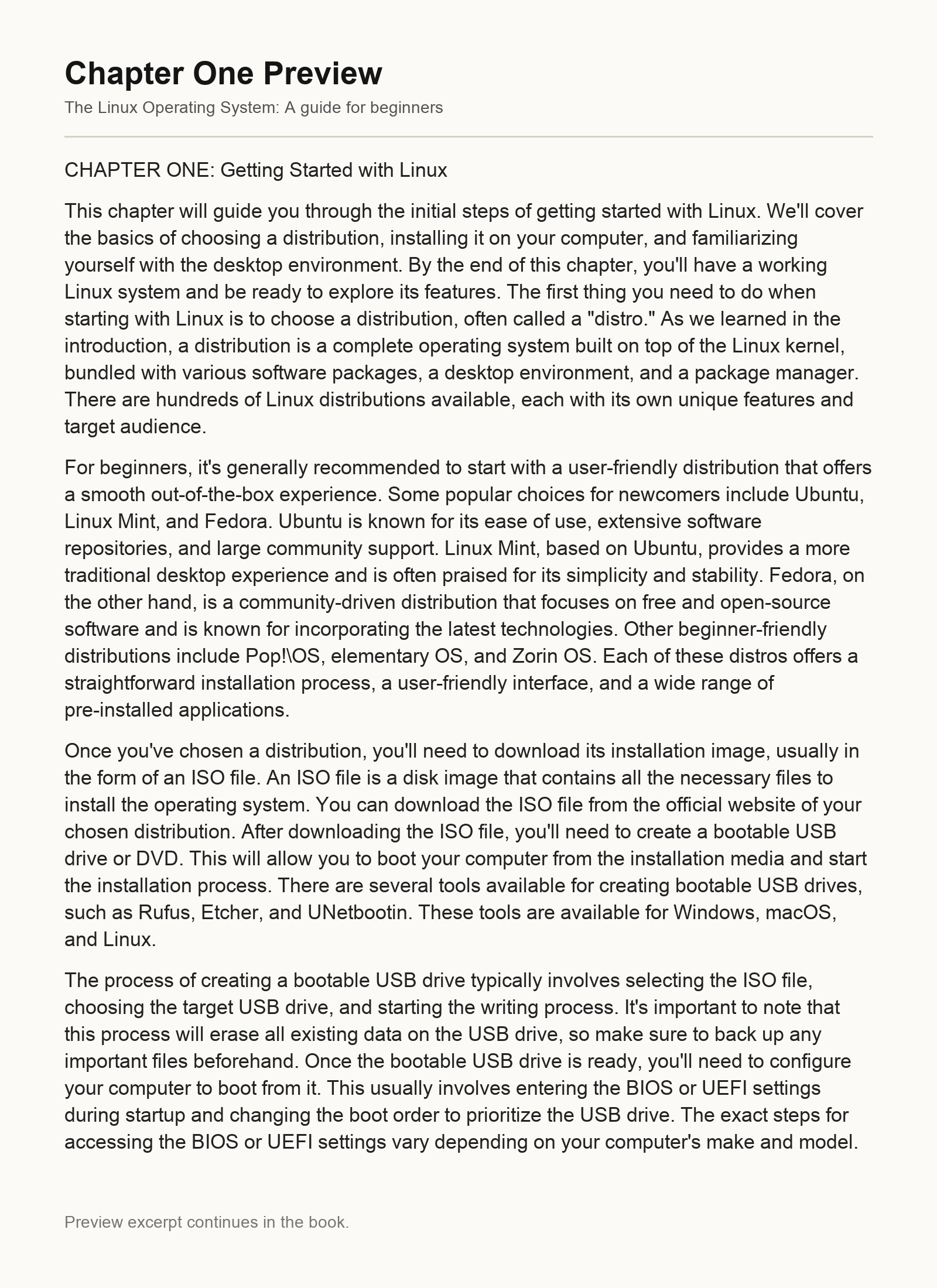
This book provides a gentle, step‑by‑step introduction to the Linux operating system, perfect for anyone with basic computer literacy who wants to start using Linux with confidence. You’ll begin by learning how to choose a distribution, create bootable media, and install Linux on your machine. Once the system is up and running, you’ll explore the default desktop environment, connect to networks, and discover how to install and update software using graphical tools and the command line.
Next, you’ll dive into the heart of Linux: the filesystem and the powerful command‑line interface. You’ll master navigation with commands like cd, ls, and pwd, learn to manipulate files and directories with cp, mv, rm, and mkdir, and understand how to use wildcards, redirection, and pipes to streamline tasks. The guide also covers essential text‑processing tools such as grep, sed, awk, sort, and find, giving you the ability to search, filter, and transform data efficiently. You’ll gain a solid grasp of file permissions, ownership, and special bits like setuid, setgid, and the sticky bit, as well as how to manage users and groups securely.
Building on these foundations, the book walks you through core system‑administration skills. You’ll learn how to view and control processes with ps, top, and kill, adjust process priorities using nice and renice, and schedule one‑time or recurring tasks with at, cron, and systemd timers. System monitoring tools like vmstat, iostat, free, sar, glances, and journalctl are explained so you can keep an eye on CPU, memory, disk, and network usage. Package management is covered in depth for both Debian‑based systems (APT) and Red Hat‑based systems (YUM/DNF), teaching you how to install, update, remove, and query software while handling dependencies automatically. You’ll also get an introduction to shell scripting, enabling you to automate routine tasks with variables, loops, conditionals, and functions.
The latter sections focus on networking, remote access, and everyday utilities. You’ll configure wired and wireless network interfaces, set static or DHCP addresses, manage DNS, and understand basic networking concepts such as IP addressing, subnetting, and routing. Secure remote administration is detailed through SSH, including key‑based authentication, tunneling, and file transfer with SCP and SFTP. Two popular text editors, Vi/Vim and Nano, are explored so you can edit configuration files and scripts efficiently. The guide then shows you how to install and configure a web server (Apache), introduces relational and non‑relational databases (MySQL, PostgreSQL, MongoDB), and outlines basic security practices such as firewalls, SELinux/AppArmor, encryption, and regular updates.
Finally, you’ll learn how to protect your data with reliable backup and recovery strategies using rsync, tar, and cron, troubleshoot common issues ranging from network connectivity to permission problems, and discover where to find further help—online forums, documentation, books, videos, and certification paths. By the end of this book you will have a working Linux system, the confidence to navigate the command line, the skills to manage users, files, and services, and the knowledge to keep your environment secure and up‑to‑date. Whether you’re a student, a hobbyist, or an aspiring IT professional, this guide equips you with the practical foundation needed to explore the vast possibilities of Linux.
What You'll Find Inside:
- Master the Linux command line for efficient navigation, file manipulation, and task automation.
- Understand the Linux filesystem hierarchy, manage permissions and ownership, and work with essential system directories.
- Learn core system administration skills including user management, package installation (APT/YUM), and service configuration.
- Configure network interfaces, secure your system with firewalls, and enable remote access via SSH for reliable connectivity.
- Gain hands-on experience with real-world applications: setting up web servers, databases, and implementing backup strategies.
Who's It For:
This book is designed for absolute beginners with basic computer literacy who want to learn Linux from scratch, as well as intermediate users seeking to solidify their foundational skills in system administration, command-line proficiency, and open-source technologies.
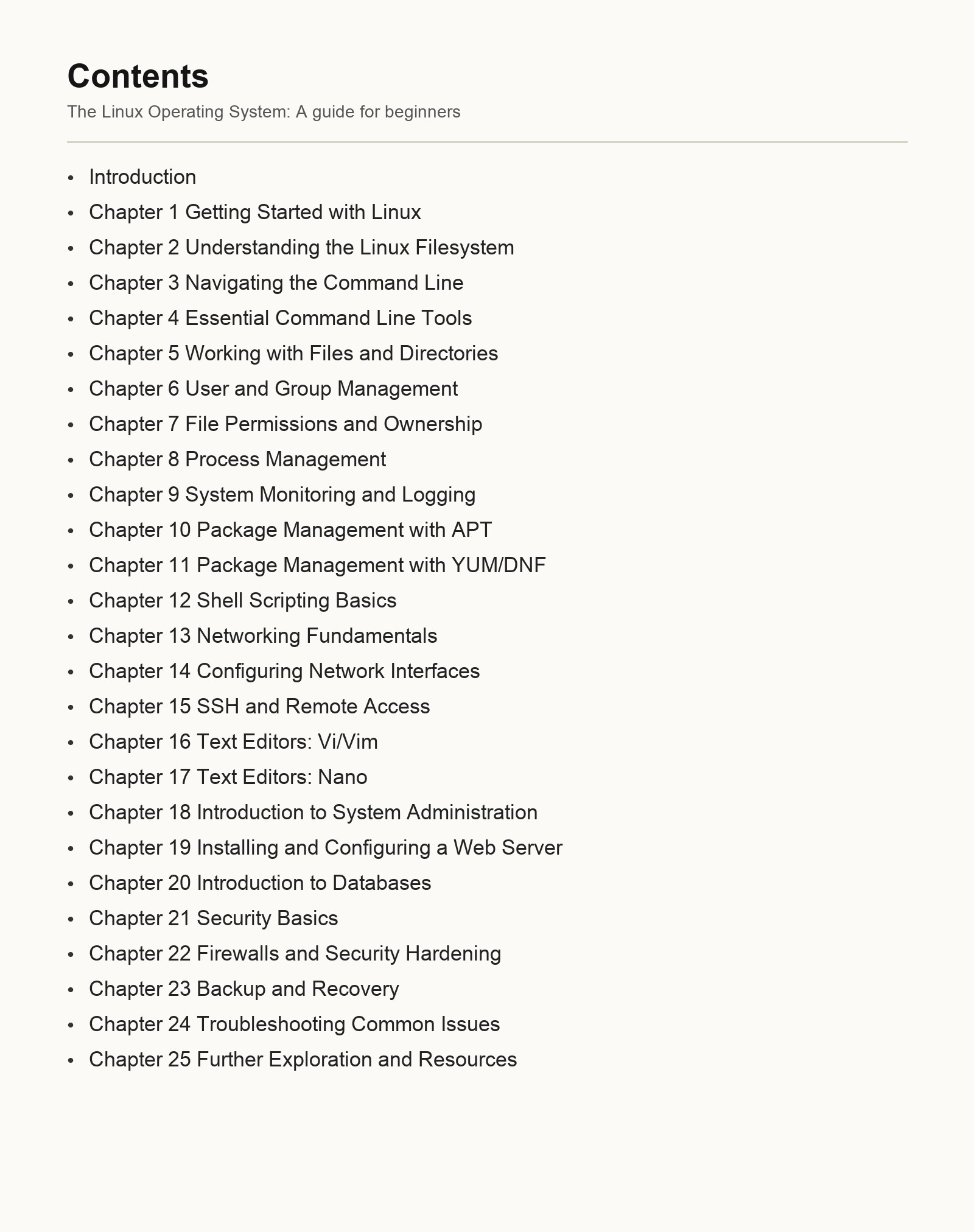
Table of Contents:
-
Introduction
-
Chapter 1 Getting Started with Linux
-
Chapter 2 Understanding the Linux Filesystem
-
Chapter 3 Navigating the Command Line
-
Chapter 4 Essential Command Line Tools
-
Chapter 5 Working with Files and Directories
-
Chapter 6 User and Group Management
-
Chapter 7 File Permissions and Ownership
-
Chapter 8 Process Management
-
Chapter 9 System Monitoring and Logging
-
Chapter 10 Package Management with APT
-
Chapter 11 Package Management with YUM/DNF
-
Chapter 12 Shell Scripting Basics
-
Chapter 13 Networking Fundamentals
-
Chapter 14 Configuring Network Interfaces
-
Chapter 15 SSH and Remote Access
-
Chapter 16 Text Editors: Vi/Vim
-
Chapter 17 Text Editors: Nano
-
Chapter 18 Introduction to System Administration
-
Chapter 19 Installing and Configuring a Web Server
-
Chapter 20 Introduction to Databases
-
Chapter 21 Security Basics
-
Chapter 22 Firewalls and Security Hardening
-
Chapter 23 Backup and Recovery
-
Chapter 24 Troubleshooting Common Issues
-
Chapter 25 Further Exploration and Resources
Author:
Published By:
Date Published:
May 21, 2026
Type:
Nonfiction
Language:
English
Also Available In:
Word Count:
44,454 words
Reading Time:
3 hours 7 minutes
Sample:
Order:
Order The Linux Operating System (Hardcover) on MixCache.com:
Buy NowPrint copy is made to order and ships worldwide. Includes the ebook free, ready to read instantly.
$5 account credit for all new MixCache.com accounts, usable toward any ebook purchase!*


